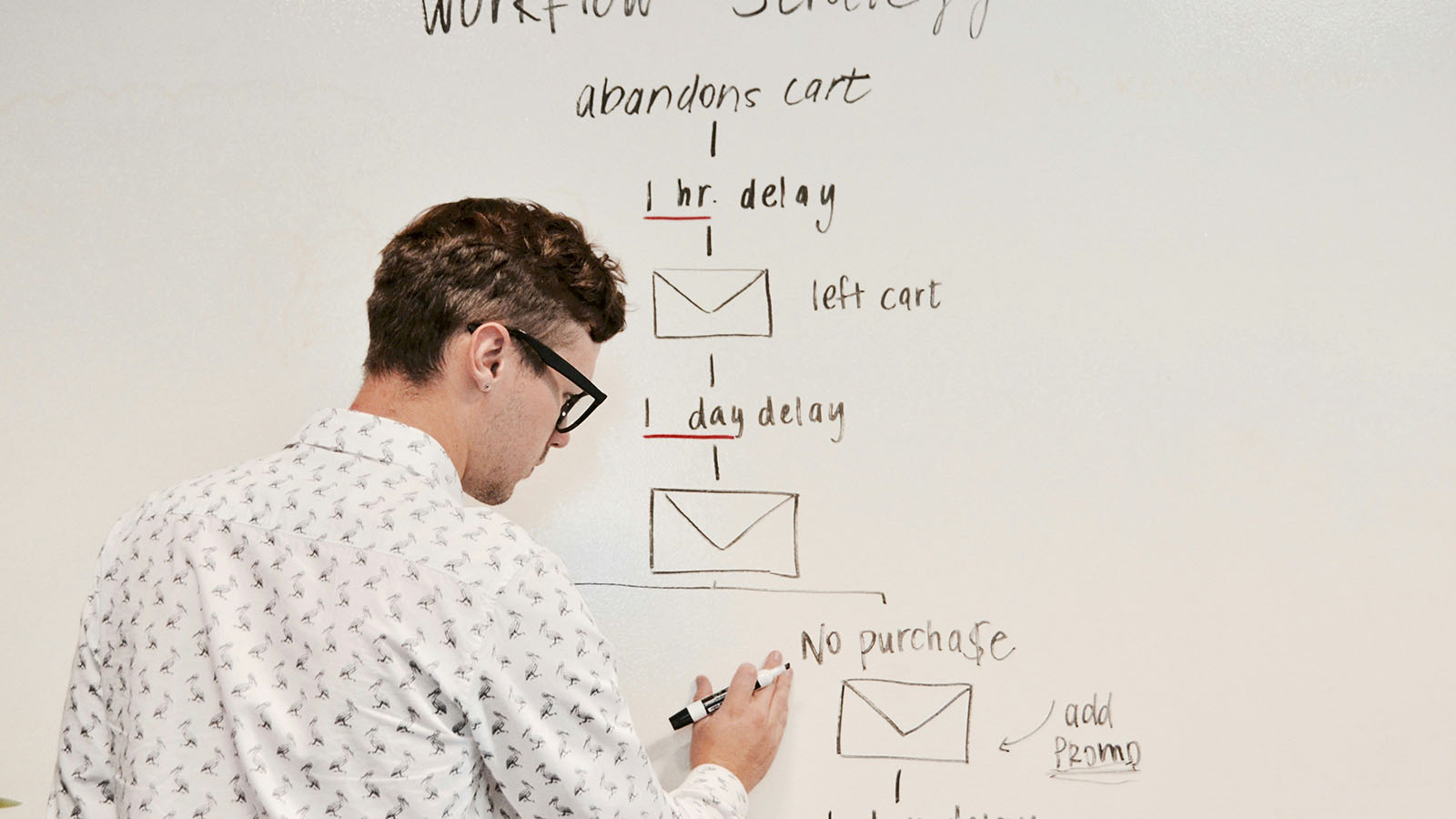
AI is changing how work gets done — but not by replacing everything with "magic." In practice, the biggest wins come from automating repeatable workflows: the handoffs, approvals, sorting, and decision steps that quietly consume hours every week.
If you're new to AI, this guide will give you a clear mental model of what AI workflow automation actually is, what it's good at, and where legal and SaaS teams are seeing measurable gains.
What is workflow automation?
Workflow automation is simply: a system that moves tasks forward without manual coordination.
Traditional workflow automation is rules-based:
- "If status is approved → send an email."
- "If a contract is signed → store in folder X."
- "If a customer is enterprise tier → route to sales."
It's reliable, but it breaks down when the inputs aren't structured. That's where AI helps.
What makes AI workflow automation different?
AI-based workflows add the ability to interpret real-world inputs:
- Emails written in natural language
- PDFs and contracts
- Support tickets
- Meeting notes
- Sales notes
- Policies and compliance documents
Instead of needing perfect forms and exact fields, AI can classify, extract, summarize, and sometimes recommend next actions.
Think of it like upgrading your workflow engine from "strict rules only" to "rules + understanding."
What AI is actually doing inside these workflows
Most "AI automation" systems combine a few building blocks:
1. Extraction: Pulling key fields out of text (e.g., invoice amount, contract dates).
2. Classification: Labeling content (e.g., "NDA," "MSA," "support urgent," "billing issue").
3. Summarization: Turning long text into quick action summaries.
4. Routing: Sending tasks to the right person/team based on content.
5. Decision support: Suggesting next steps (human approves).
Using legal teams, as an example:
- triaging inbound contract requests
- extracting clauses and key obligations
- routing to the right reviewer
- summarizing changes and risks
Using SaaS teams, as an example:
- categorizing support tickets
- identifying churn risk signals
- summarizing customer conversations
- auto-filling CRM fields
- triggering playbooks
The best "first automation" use cases (high ROI, low risk)
If you're new to AI, start with workflows that:
- occur frequently
- are low-to-medium risk
- have clear success criteria
- don't require AI to make irreversible decisions
Here are three great starters:
1) Intake + triage automation
Problem: Everything comes in through email, forms, Slack, or support. Someone has to read it and decide what it is.
AI solution: Classify the request, summarize it, and route it.
Legal example:
Contract request emails → AI extracts counterparty name, deal type, deadline → routes to the correct reviewer.
SaaS example:
Support tickets → AI tags (billing / bug / feature request) → sets priority → routes to team.
2) Document summarization + metadata extraction
Problem: Documents require people to read and interpret.
AI solution: Extract key fields and produce standardized summaries.
Legal example:
NDA → extract effective date, term, confidentiality carveouts.
SaaS example:
RFP → summarize requirements and risk areas.
3) Follow-up and next-step automation
Problem: Deals and tasks stall because people forget follow-ups.
AI solution: Detect open loops, generate suggested next steps, and trigger reminders.
What AI should not do (at least early on)
The most important thing is to be realistic about AI's limits.
Avoid early workflows where AI:
- approves contracts automatically
- makes compliance decisions without review
- sends external communications without human approval
- updates billing or legal records unsupervised
The right model is human-in-the-loop: AI drafts, humans approve.
How to measure ROI
Even "small" automations can produce immediate results. Track:
- time-to-triage
- turnaround time
- backlog size
- error rates
- rework effort
- customer response times
A simple metric: hours saved per week × loaded labor cost.
A practical starting plan
If you're evaluating AI automation, here's a clean path:
1. Choose one workflow (intake is best).
2. Define the "before" baseline.
3. Implement extraction + classification + routing.
4. Add monitoring and human review.
5. Scale to the next workflow.
Final thoughts
AI workflow automation isn't about replacing teams — it's about removing friction so people can focus on higher-value work. The best projects start small, measure impact, and scale carefully.
If you want a fast, low-risk starting point, intake triage and document processing are usually the easiest place to begin.
Want help identifying your best first workflow?
Stratus Logic builds AI automation that's practical, measurable, and secure.